A score against the whole standard is meaningless if half of it was never written for a company your size. KinopiQ works out your set first, then measures against that.
All four have to match. If a requirement was not written for a company like yours, you will not see it at all — it is not a gap you have left open.
Size
Your worker count and your revenue are banded separately, and you sit in whichever gives the smaller of the two. That is B Lab’s rule, not ours.
Sector
Sectors are split by operational footprint, so a manufacturer and a services firm of the same size are asked different things.
Phase
There is a set of requirements to certify and further sets at later recertifications. Phases are cumulative, so what you owed to certify you still owe.
Risk flags
Some sub-requirements are triggered by risk rather than size — a high-risk sector, or operating in a high-risk geography. Those come from B Lab’s risk-profiling step.
B Corp · V2.1 · one organisation
35 of 48 requirements apply
Applies to youOut of scope — not counted against you
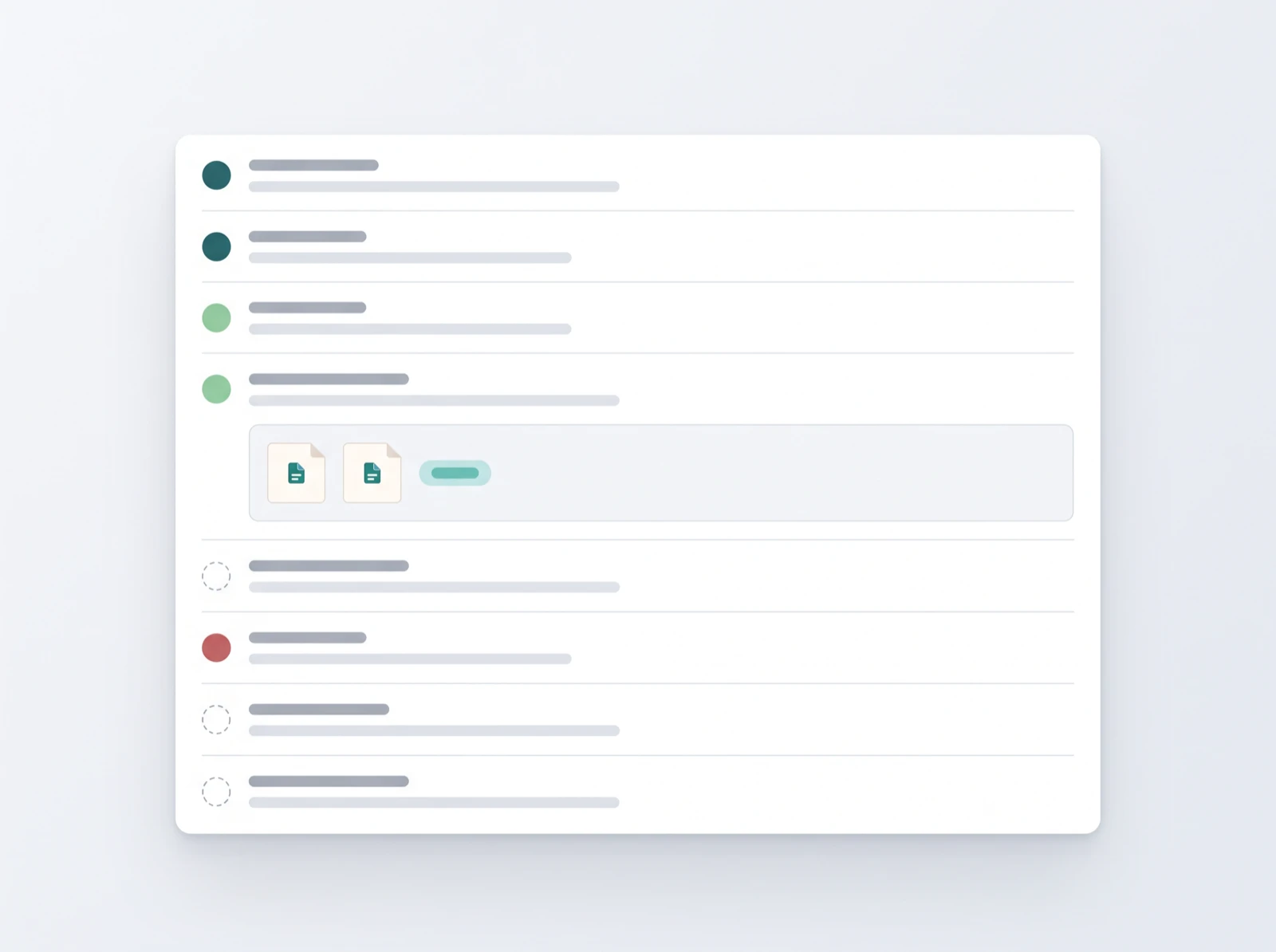
Illustrative. What applies depends on your worker count, revenue, sector, certification phase and risk flags.
Not applicable
Marking something not applicable raises your score
It takes the requirement out of the calculation rather than counting it against you. It needs a written reason, because an assessor will read it.
Met — countsIn progress — countsUnmet and mandatory — blocksNot applicable — leaves the fraction
Only the requirements that apply to you
Scoped to your company
Record your worker count, revenue, sector and where you are in the certification cycle. KinopiQ narrows each standard to what a company of that shape has to answer for, and hides the rest.
A readiness score you can show someone
Worked out, not estimated
Your readiness score is the share of the requirements that apply to you which you have marked as met. Requirements you mark as not applicable, with a reason, leave the calculation instead of counting against you.
Blockers listed on their own
Nothing hidden in a percentage
Mandatory requirements you have not met are counted and listed separately from your score, so a high score never disguises the one thing standing between you and certification.
Standards kept current for you
Six frameworks, current editions
Six frameworks, each tracked at its current edition. When a standard is reissued the catalogue is updated for every workspace, so you do not have to notice the change yourself.
Find out what you have to answer for
A company profile takes a few minutes, and it is the difference between a number you can defend and one you cannot.